
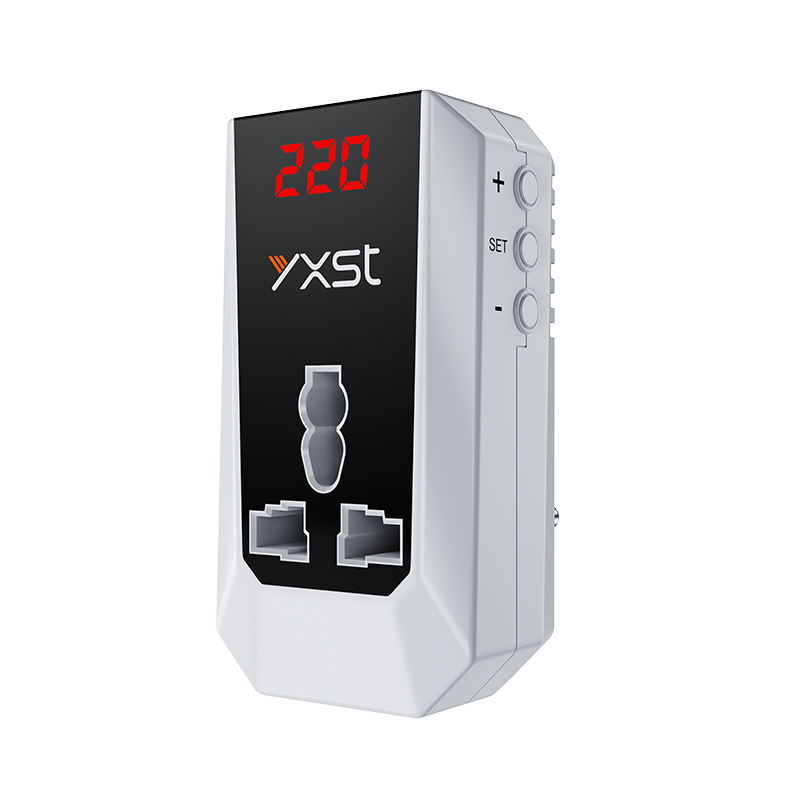
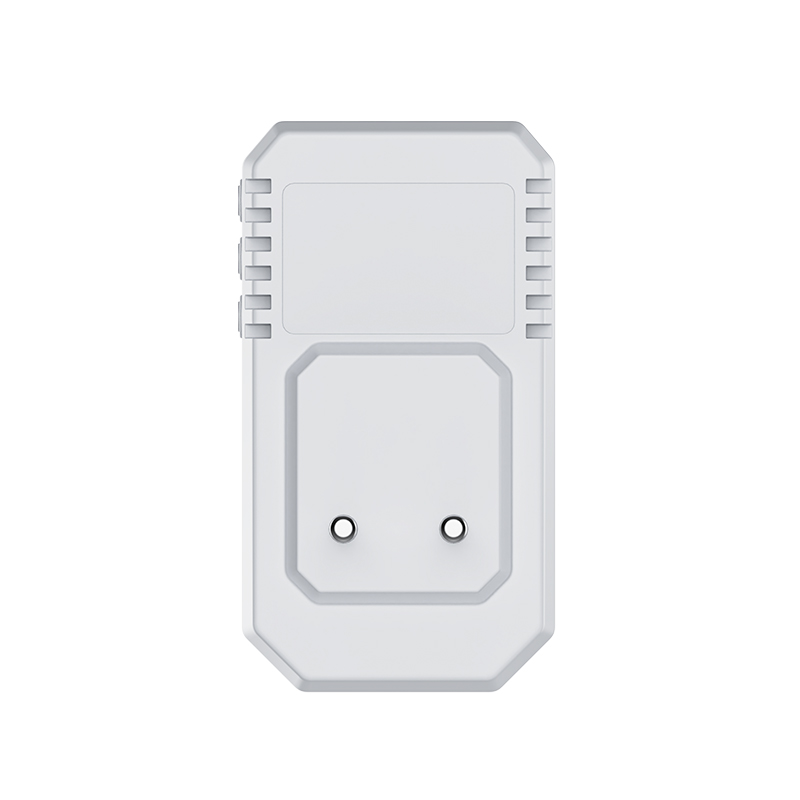
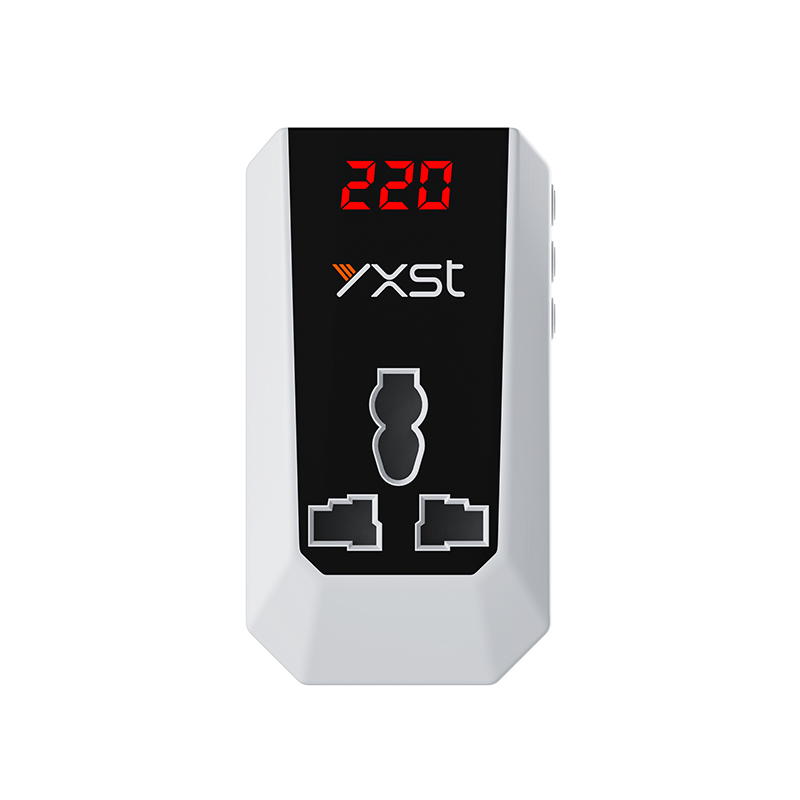
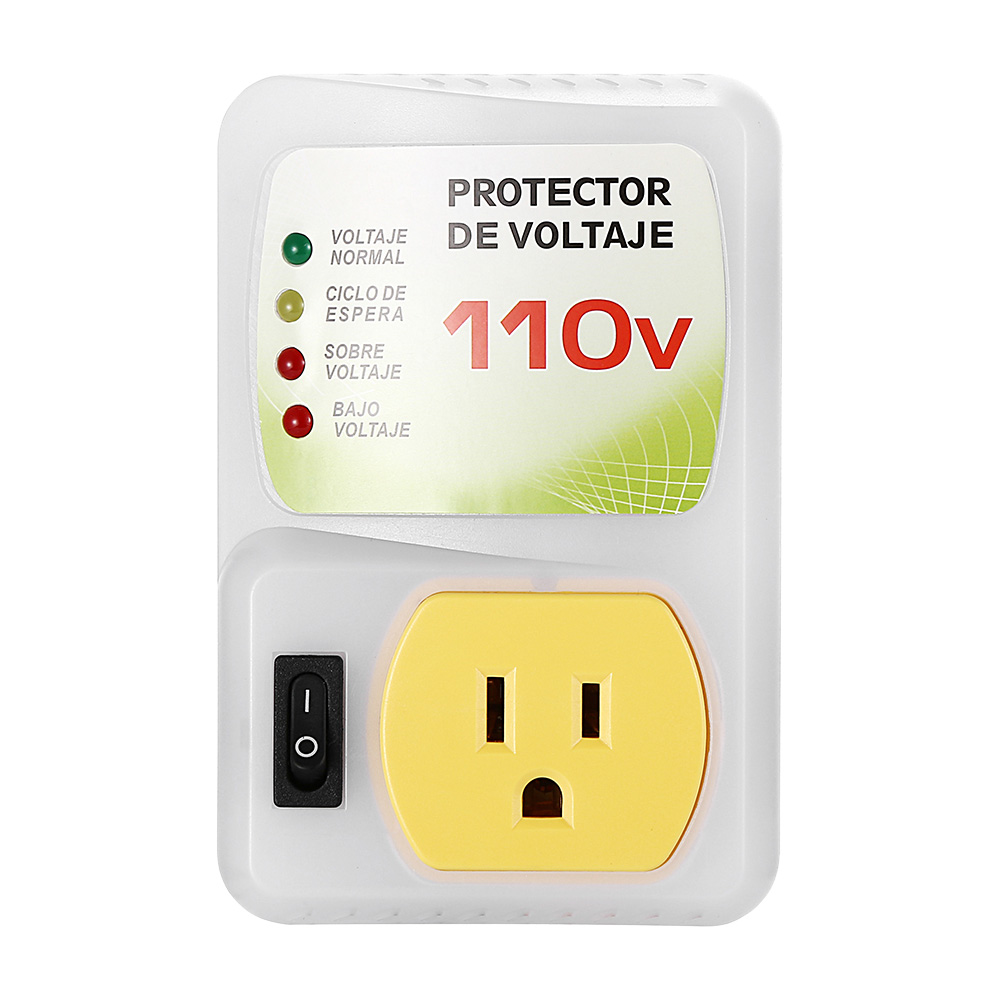
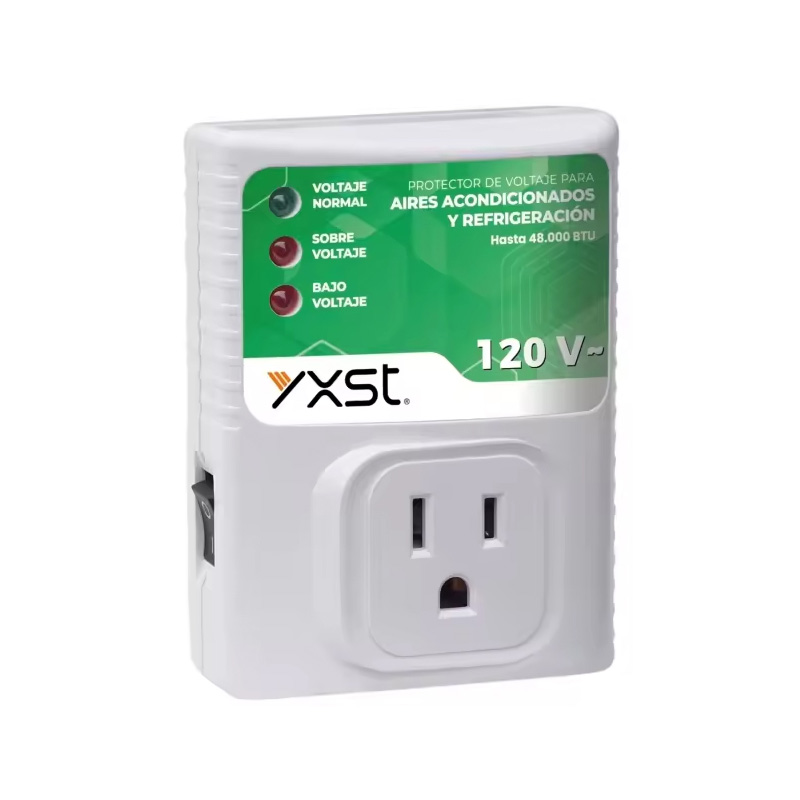
Digital adjustable refrigerator and TV guard voltage protector 2310D is a device used to protect electrical equipment from overcurrent damage. When overcurrent occurs in the circuit, TV guard and fridge guard will automatically disconnect the circuit to avoid equipment damage or fire.
Item No: 2310D
Digital Adjustable Voltage Protector For Refrigerator And TV Guard
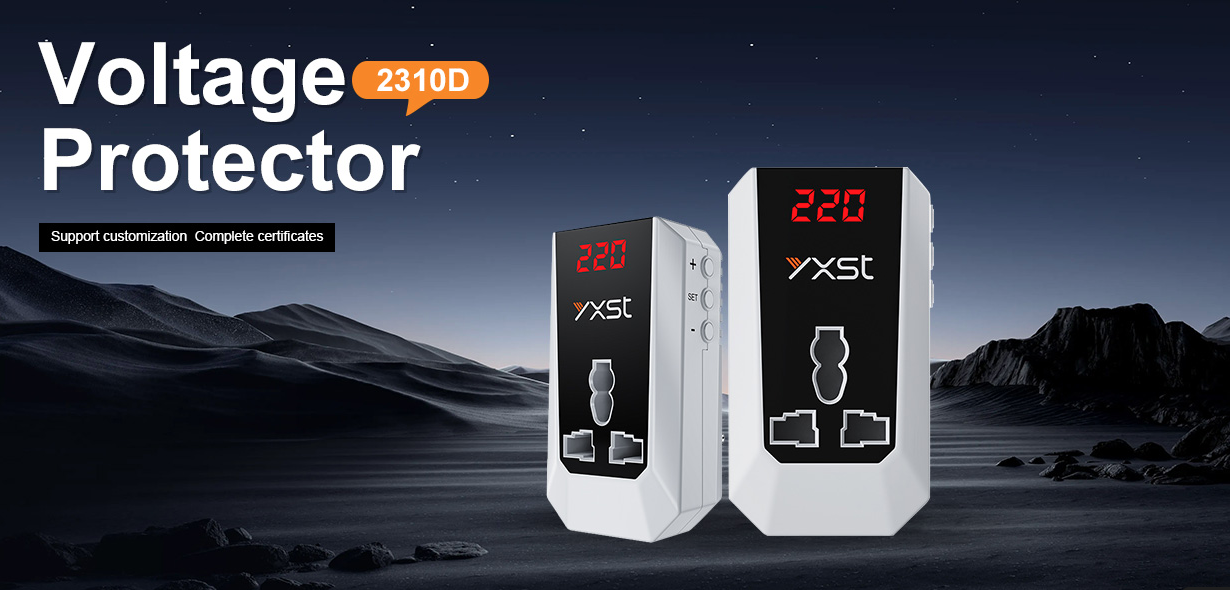
2310D Manual Digital Voltage Protector Parameters
If electronic equipment is subjected to overvoltage for a long time, its life will be greatly shortened. Using 2310D digital voltage protector can reduce the pressure on the equipment, extend its service life and reduce maintenance costs.
| Operating Voltage | 220V AC |
| Operating Frequency | 50 Hz-60 Hz |
| Under Voltage Cut-off | 165V(140V~180V adjustable) |
| Over Voltage Cut-off | 260V(230V~280V adjustable) |
| Delay Time | 5s/210s |
| Output Capacity | 13A ,2860W |
| Plug | British Plug |
| Packing | Double Blister /Colox Box |
| Warranty | 1 Year |
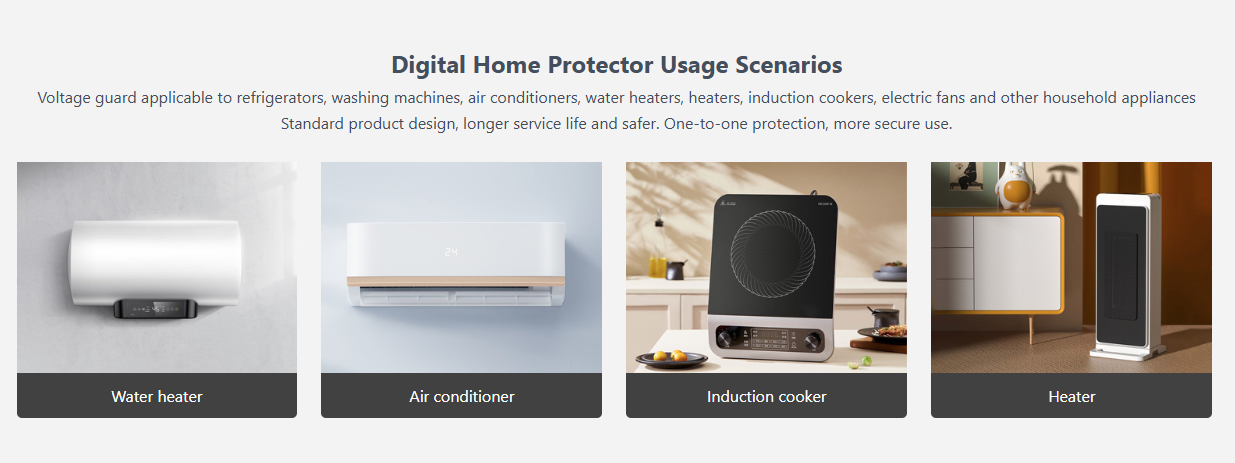
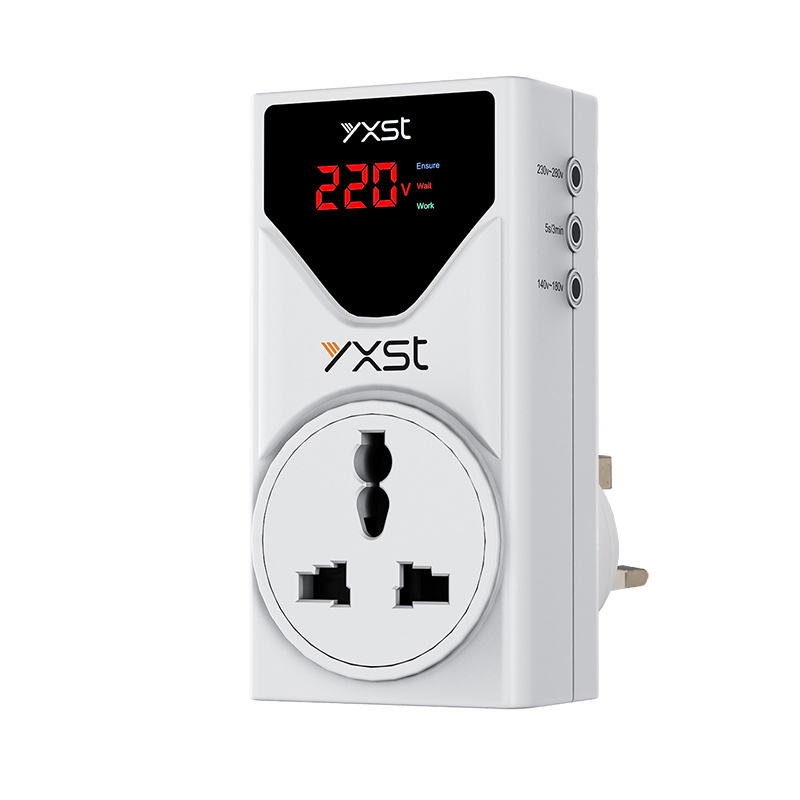
Modular digital over & under voltage protector 2310D is a power protection device that integrates intelligent monitoring, fast response, overvoltage protection, and under-voltage protection. Users can customize the protection range through the knob, and display the real-time voltage/current data through the LED screen. It supports single-phase systems and has a load capacity of up to 13A.
FAQ
How to set up a digital voltage protector
Step 1: Connect the protector
Plug the 2310D digital voltage protector into a stable AC power socket (it is recommended to use a socket strip with overload protection) and ensure that the display lights up normally.
Step 2: Prepare for power off of the device
Turn off the power switch of the appliance to be protected (rated power ≤13A/2860W) and unplug its plug from the original socket.
Step 3: Connect the device to the protector
Firmly insert the plug of the appliance to be protected into the multi-function jack on the back of the protector to ensure good contact.
Step 4: Parameter setting operation
① Short press the [SET] key to activate the setting mode, and the display screen enters the parameter adjustment state
② Use the [+]/[-] key to adjust the protection threshold (the current voltage value is displayed by default)
③ Press and hold the button to quickly adjust the value (it is recommended to refer to the device manual to set a reasonable range)
④ After the parameters are confirmed, press and hold the [SET] key for 5s or 210s to save the settings, and the screen returns to the real-time monitoring interface
Note: The setting logic of different models may vary slightly. Please refer to the operation manual attached to the device for details.
Knowledge about digital voltage protectors to protect household appliances from voltage fluctuations →
Digital voltage protector: the “invisible emergency room” for household electrical safety →
The core value of digital voltage protector →
Contact Us
Unwavering in our dedication to customers and delivering cutting-edge innovations, Yixing stands as your steadfast ally on the journey ahead.
 English
  Español
  Deutsch
  Français
  Italiano
  Português